
- Perform one of the following actions:
- From the File menu, select Import > Artwork.
- In the Pandora toolbar, click the Import Artwork icon
 .
.
- In the Import Artwork dialog box, locate where you are storing the sample activity files.
- Locate the
Neck Labelfolder, select theNeck Label.pdffile, and click Open. - Drag the
Neck label.pdffile into the layout view.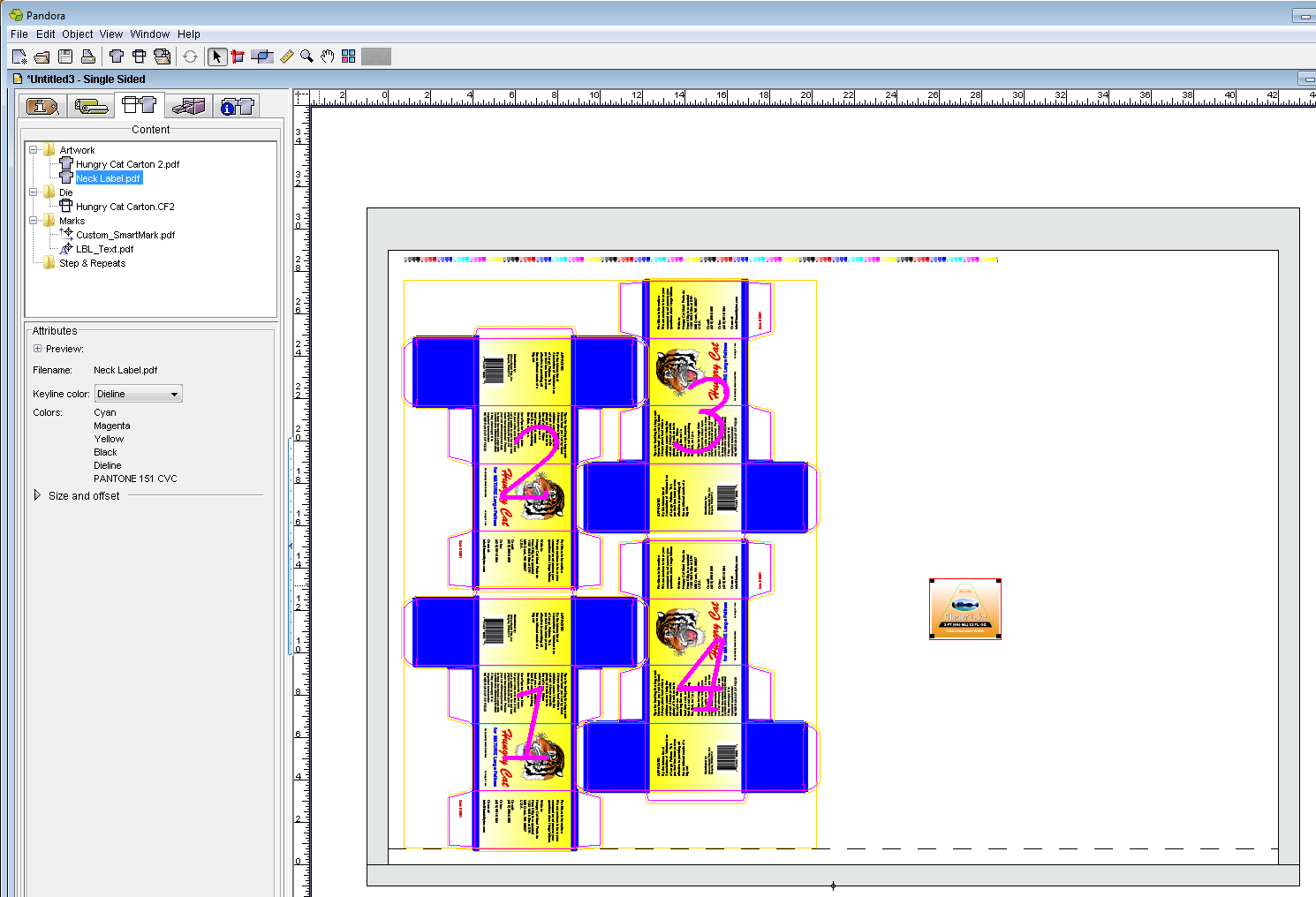
Overview
Content Tools