
New Features and Enhancements in 3.50
Prinergy Tools 3.50 Release adds these new features:
Supports Adobe Illustrator CC2026
- Supports Mac OS 26
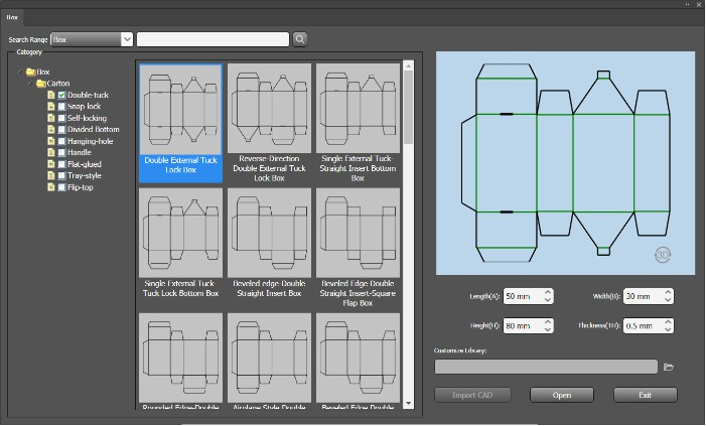
Box Tool
- Automatically generate die-cut layouts based on parameters.
- Supports most industry standard box types.
- Import custom designs (DXF, CFF2).
- Adjustable paper thickness (0.1–5.0 mm).
Box 3D Preview
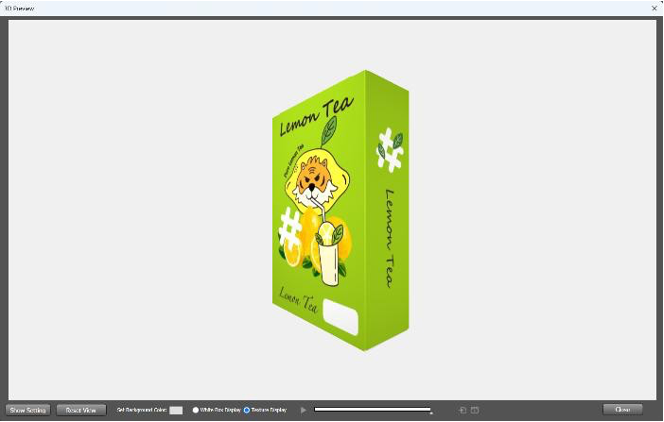
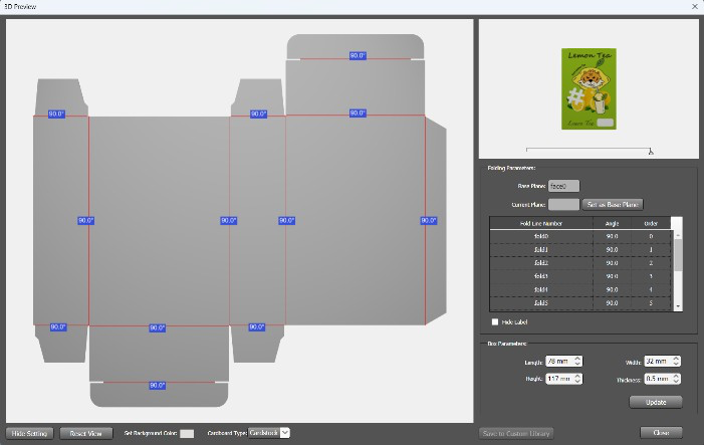
- View dynamic 3D previews from die-cut files or CAD lines.
- Configure folding sequence and base plane.
- Apply artwork textures for realistic visualization.
- Export as MP4 or 3D PDF.
Pre-warping & Shrink-warping
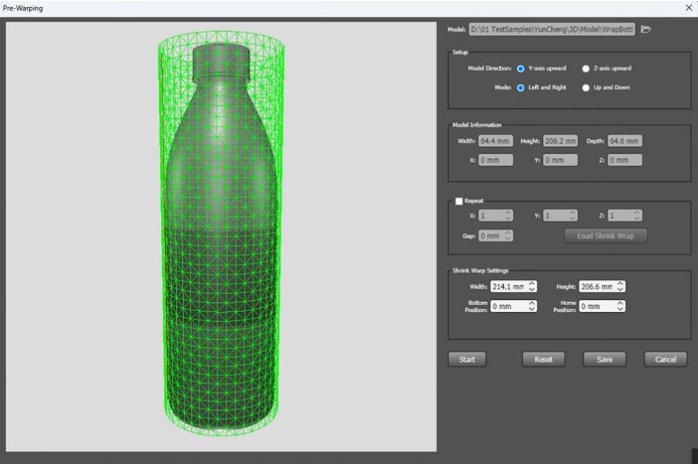
- Generate container models for curved packaging.
- Simulate graphic distortion for accurate output.
- Preview results in 3D.
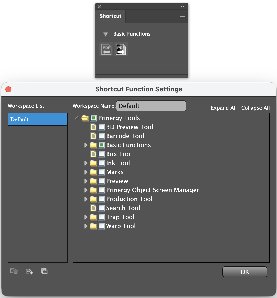
Shortcut Panel
- Customize workspace with frequently used tools.
- Improve workflow efficiency.
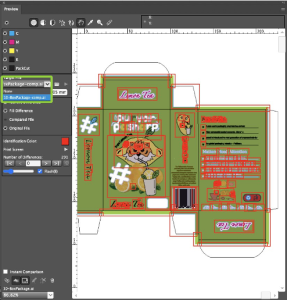
Eye Tool Enhancements
- Compare open documents via drop-down.
- Highlight differences with zoom and flash modes.
- Locate differences directly on artwork.
Trap Tool Improvements
- Maintain linked object states during trapping.
- Improve trapping accuracy in Color Separation Preview.
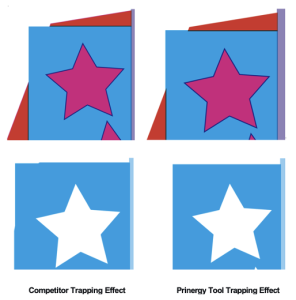
- Enable optimized one-click trapping.
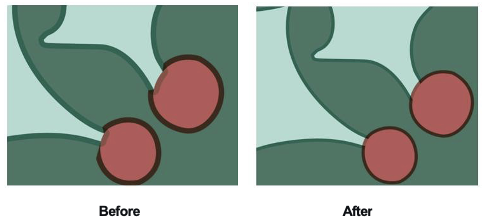
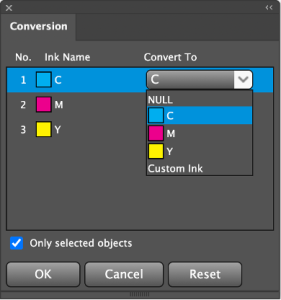
Ink Tool Improvements
- Convert ink for selected objects only.
- Read true ink channels from linked images.
- Sort inks by name.
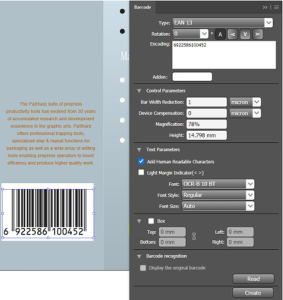
Barcode Tool Improvements
- Generate barcodes from artwork or text that are coded in Prinergy Tools.
- Validate and compare barcode data.
- Modify and re-apply barcode parameters.
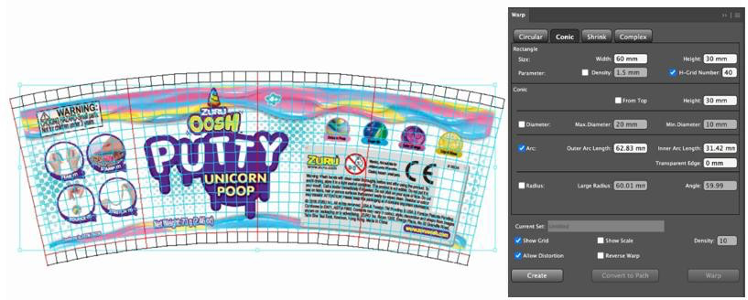
Warp Tool Improvements
- Enhanced grid generation and deformation control.
- Exclude objects from distortion.
- Reverse warp to convert shapes.
- Generate a grid using a path line
- Produce smoother deformation results.
Fixed Issues
- Fixed disappearing linked images.
- Corrected PDF layer import issues.
- Fixed ink opacity reset problem.
- Added update notifications for single-user licenses.
Known bugs and limitations in 3.50
- To have PDF layers recognized when imported by Import PDF, Esko PDFs must be created with Automation Engine 16 and above
If values are set for Dot Calibration and Bump, both values will get applied, even though only one value is selected. You must set the unused value to 0 to prevent it from being applied.
PDFs containing Text objects tagged with Object Screening fail to Refine in Prinergy. If the text object is converted to outlines before applying Object Screening, the file will refine without an issue.
- Please note that from version 2.6, Prinergy Tools only supports AI CC2019 and above