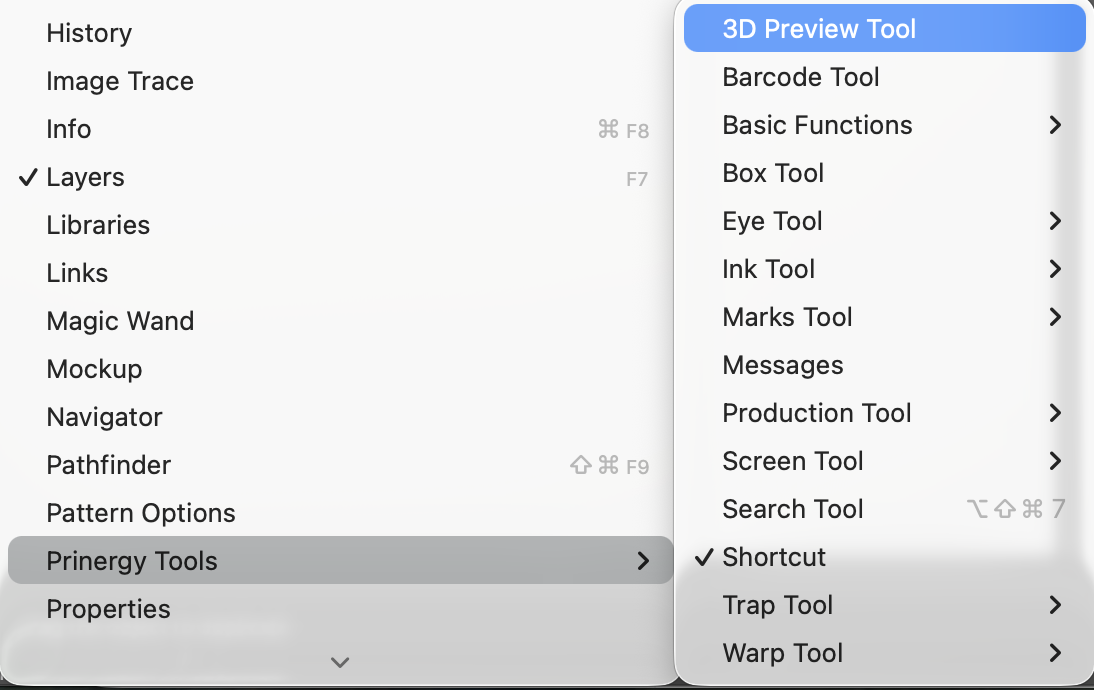
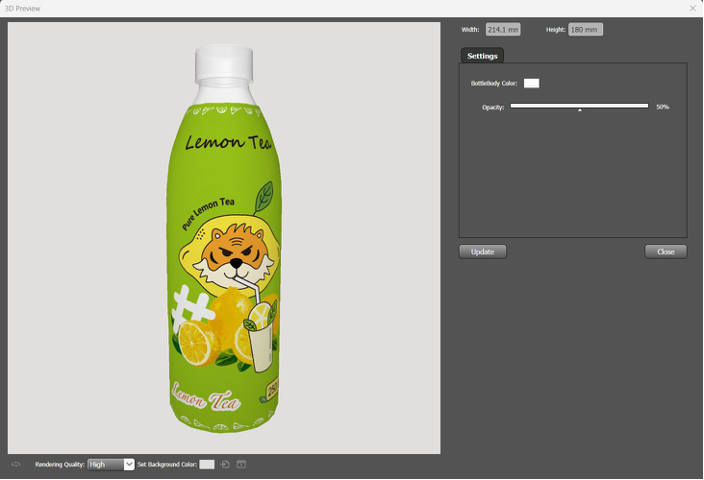
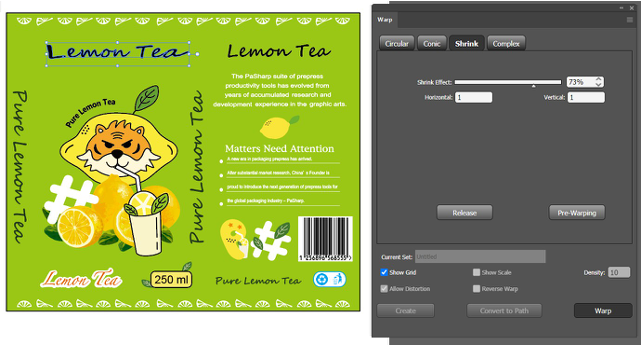
Shrink-Warping applies controlled deformation to the design artwork using the model and mesh data produced during Pre-Warping. The adjusted results can then be previewed and verified in a 3D view to ensure proper alignment and visual accuracy on the final container.
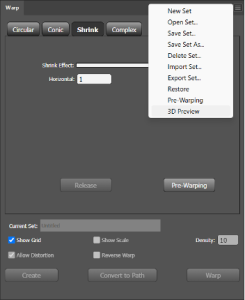
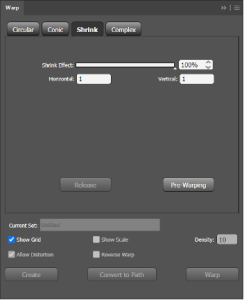
Shrink Effect: Adjusts the intensity of the deformation. Lower values result in less distortion, while 100% represents the maximum deformation effect.
Horizontal: Controls the width deformation of the object.
Vertical: Controls the height deformation of the object.
Release: Restores the object to its original state prior to any deformation.
After the shrink-warping process is complete, a confirmation message will appear in the message bar indicating that the transformation has finished.
Only the following five formats are supported for importing model files:
.dae, .stl, .obj, .fbx, .glb.