
| Monitor's port | Cable types | Mac ports | ||||
|---|---|---|---|---|---|---|
USB-C (Thunderbolt) port
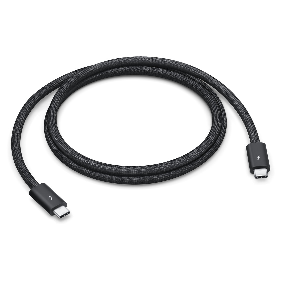
| Thunderbolt 3 or 4 (USB-C) Cable. Depending on the monitor, you may also need a signal cable (below), with an adapter for USB-A to USB-C to the Mac.
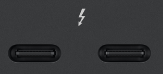
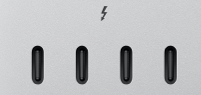
| Thunderbolt (USB-C) on Mac
or | ||||
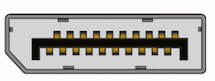
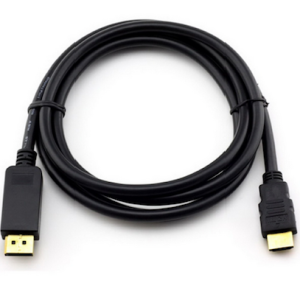
DisplayPort on a monitor
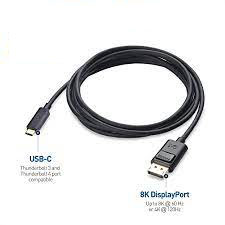
| Thunderbolt 3 or 4 (USB-C) to DisplayPort Cable
| Thunderbolt (USB-C) on Mac
or | ||||
DisplayPort on a monitor
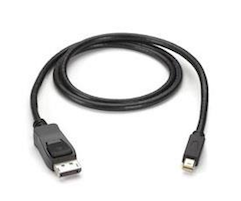
| DisplayPort to MiniDisplayPort cable
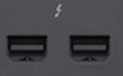
| DisplayPort MiniDisplayPort on Mac
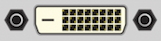
Dual Link DVI port on a monitor
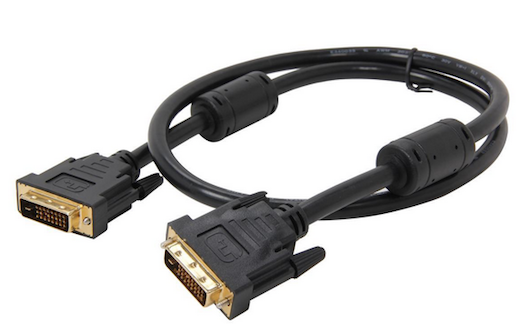
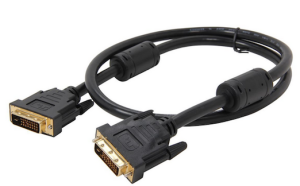
| Dual Link DVI cable
| Dual Link DVI port on Mac
DVI port on monitor
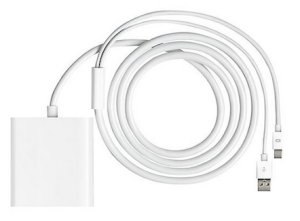
| Dual Link DVI cable and Mini DisplayPort to Dual-Link DVI Adapter
| |
Mini Display Port on Mac
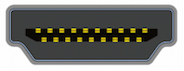
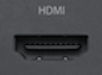
| HDMI port on a monitor
| HDMI cable
| HDMI port on Mac
| |||
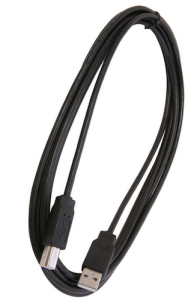
USB Signal port on a monitor
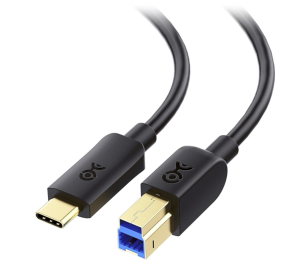
| USB Signal cable Note: The USB cable is required for use with Matchprint Virtual as it supplies communication from the monitor to our software, unless the monitor and Mac support the Thunderbolt 4 (USB-C) to DisplayPort 1.4 Cable .
There is a newer version of the cable, with the Upstream end (USB-B) connecting to USB-C.
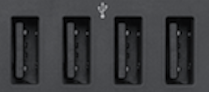
Finally, some newer monitor models do not need this cable, as data can be transferred back to the monitor through the DisplayPort cable or USB-C cable. Consult your monitor manual for details. In general, if there is a USB-B (upstream) USB port on your monitor, then it will need to be used. | USB port on Mac
|
Page History


Overview
Content Tools